Python: Day 1
Before we start you will need:
- Integrated Development Environment (IDE)
- GitHub account
Index
- Linux basics
- Python Hello World
- Create your first repository
Linux basics
Show current path
pwd
List files in current directory
ls .
Go to folder using absolute path
cd /pi/user
Go to folder using relative path
cd ../docker
Linux basics
Create a folder
mkdir hello_world
Create a file in current folder
touch file.py
Create a file using absolute path
touch /pi/user/hello_world/main.py
Delete a file
rm file.py
Python Hello World
Write the following in your main.py
print('Hello World!')
Go to the location of the file and run it
python3 main.py
Create your first repository
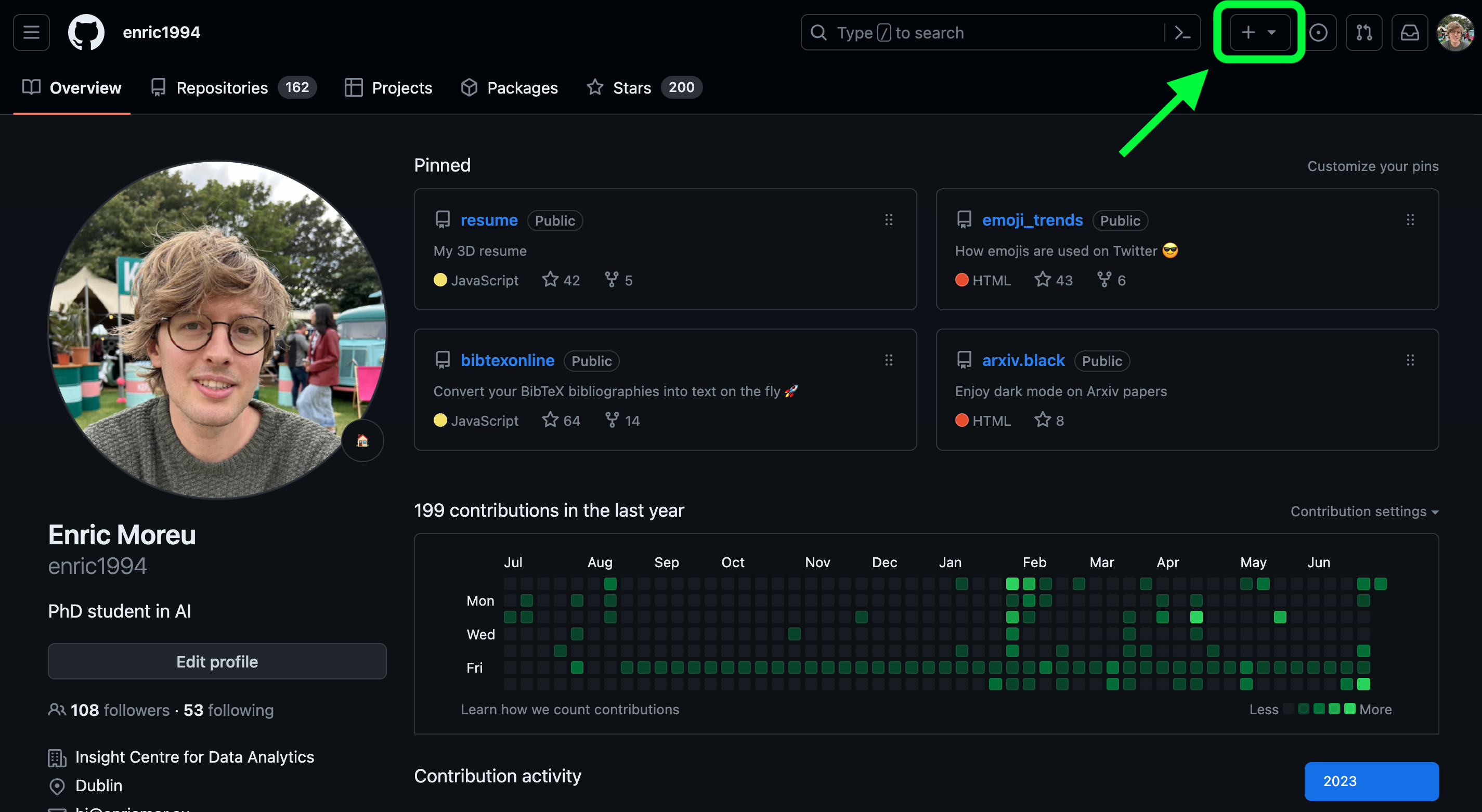
Create your first repository
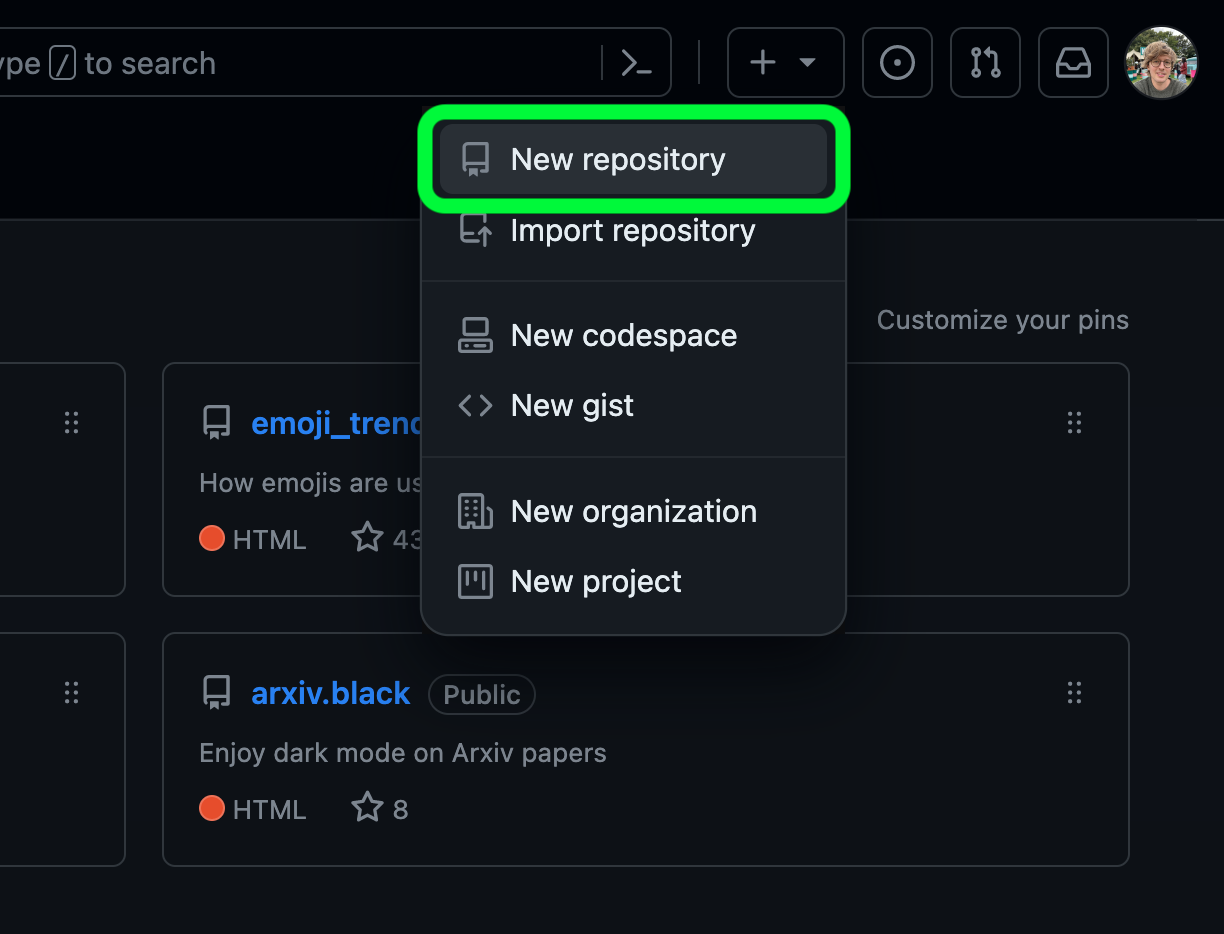
Create your first repository
Upload your file to GitHub
                            git init
                            git add main.py
                            git commit -m "first commit"
                            git branch -M master
                            git remote add origin https://github.com/USER/hello_world.git
                            git push -u origin master
Rembember to change "USER" to your username